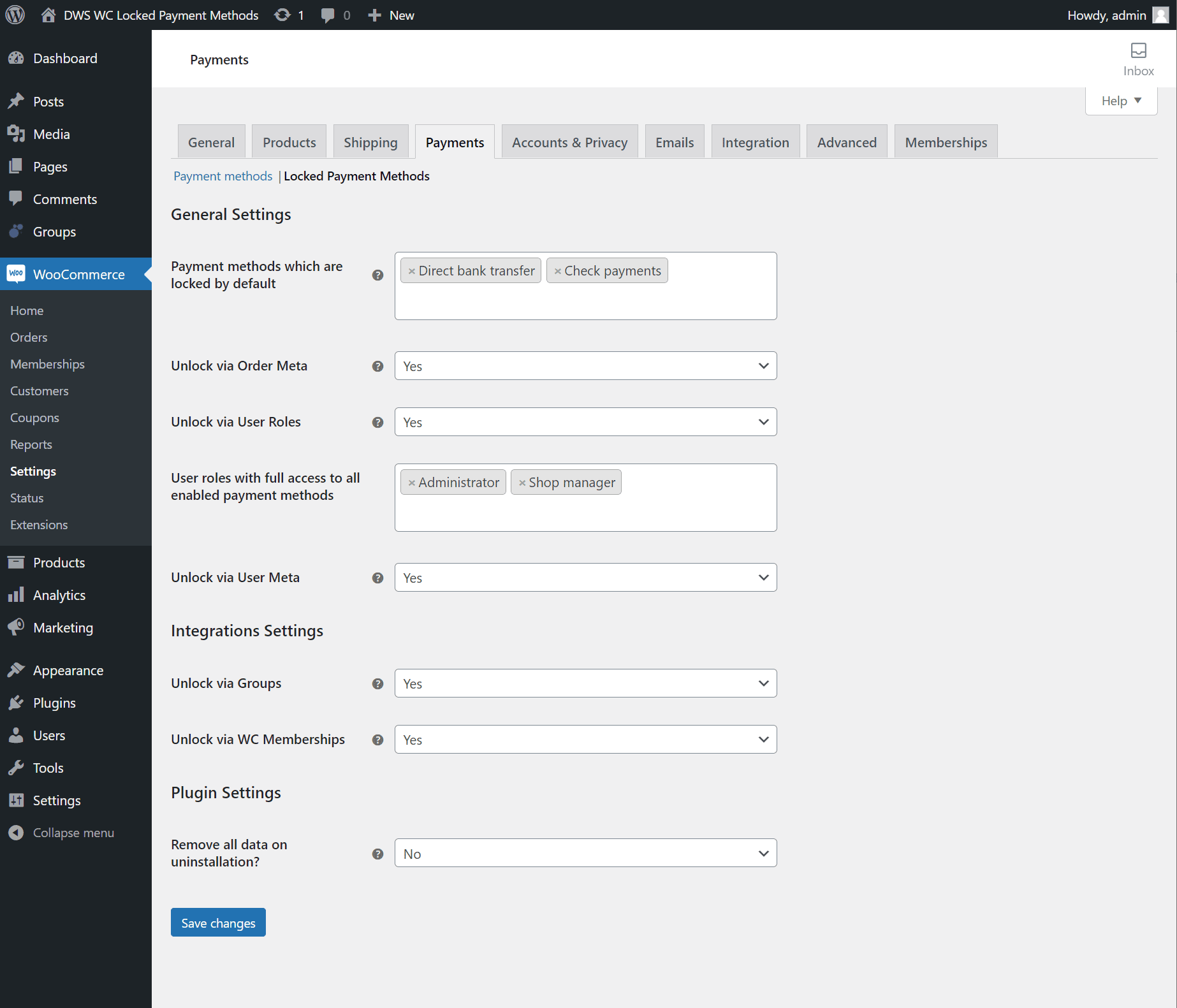
In order to grant access to locked payment methods to individual users please first make sure that the Unlock via WC Memberships settings is set to Yes on the plugin’s settings page:
With the unlocking strategy active you can now find a new multiselect field within the individual settings of each membership plan. Payment methods selected in this field will be automatically unlocked for all users that have an active membership of that plan.
- Click on the WooCommerce -> Memberships menu page
- Click on the Memberships Plans tab
- Click Edit on the specific plan you want to grant payment methods access to
- Click on the Unlocked Payment Methods section
- Select which payment methods should be unlocked for members of this plan
- Click on Update
